A Domain Name System Time to Live (DNS TTL) is a timer measured in seconds, that determines how long a DNS record stays cached before resolvers must refresh it from the authoritative nameserver.
DNS TTL controls caching behavior across the global DNS system. When a resolver queries a domain, it stores the result for the duration specified by the TTL value. This cached information lets the resolver respond to subsequent requests without contacting the authoritative nameserver again.
TTL directly influences DNS propagation speed, resolver behavior, and infrastructure load.
What is DNS TTL?
DNS TTL is a setting that controls how long DNS resolvers and browsers cache a DNS record before requesting fresh information from the authoritative nameserver. It's measured in seconds and typically ranges from 300 seconds (5 minutes) to 86,400 seconds (24 hours), depending on how often you expect to update your records.
Lower TTL values let DNS changes propagate faster but increase queries to your nameservers. Higher values reduce server load but slow down how quickly updates spread across the internet.
- Lower TTL → faster propagation → more DNS queries
- Higher TTL → slower propagation → fewer DNS queries
How does DNS TTL work?
DNS TTL works by setting a timer that tells DNS resolvers how long they can cache a DNS record before requesting fresh data from the authoritative nameserver. TTL values work through a countdown mechanism at each caching layer.
When a DNS resolver queries a domain name, it receives a DNS record with a TTL value measured in seconds. The resolver stores this record in its cache and serves it to users for the duration specified by the TTL. Once the timer reaches zero, the resolver discards the cached record and fetches fresh data from the authoritative nameserver on the next query.
The TTL value directly controls the balance between performance and flexibility. Common TTL settings include 300 seconds (5 minutes) for records that change frequently, 3600 seconds (1 hour) for moderate stability, and 86400 seconds (24 hours) for static configurations. Lower TTLs mean faster propagation of DNS changes. But they also generate more queries to your nameservers, which can increase load and the risk of resolution failures.
Higher TTLs reduce server queries and improve response times. However, updates reach users more slowly across the internet. During planned changes like server migrations, administrators often lower TTL values beforehand to speed up propagation, then raise them again after the change completes to reduce query volume.
What are the different DNS TTL values?
DNS TTL values determine how long DNS records stay cached before they need a refresh. Here are the different TTL ranges and when to use them.
- Short TTL (60-300 seconds): this 1min to 10min range is ideal for frequent changes, testing, or planned migrations. Supports fast propagation within minutes, but you'll see increased DNS query volume and server load.
- Medium TTL (600-3600 seconds): this 10min to 1-hour range balances propagation flexibility and performance. It is common for production environments that change occasionally.
- Standard TTL (3600-14400 seconds): this 1 to 4-hour range covers typical business needs where DNS records change infrequently. It reduces DNS query traffic by 60-80% compared to shorter values while still allowing same-day updates.
- Long TTL (43200-86400 seconds): this 12 to 24-hour range works well for stable environments where DNS records rarely change. The extended cache time minimizes server queries and bandwidth costs, but delays change propagation by up to a full day.
- Extended TTL (86400+ seconds): values beyond 24 hours work for static infrastructure that never changes. Some organizations set TTL to 604800 seconds (7 days) for permanent records, though this makes emergency changes difficult to implement quickly.
- Pre-migration TTL (60-120 seconds): lower your TTL to this range 24-48 hours before planned DNS changes. This prepares your system for quick propagation during server migrations or hosting provider switches. You can increase it again afterward.
What are the benefits and drawbacks of different TTL settings?
Here's what you need to know about each approach.
- TTL values in the range 60-120 seconds: these settings provide near-instant DNS updates, within 1-2 minutes, which can be critical during infrastructure emergencies or when running real-time traffic management. They're useful for implementing quick failover solutions or testing new configurations. The downside is substantial: DNS query volume increases dramatically, potentially causing performance issues and higher infrastructure costs.
- TTL values in the range 300-900 seconds: these settings let DNS changes propagate quickly across the internet, within 5-15 minutes. They're helpful during server migrations, A/B testing, or when managing dynamic content that changes frequently. However, they increase DNS queries to your nameserver, which raises server load and can increase costs for high-traffic domains. This increased query volume can also make your infrastructure more vulnerable to DNS flood attacks.
- TTL values in the range 3600-7200 seconds: these settings balance propagation speed with server efficiency. They are suitable for most websites with occasional updates. You'll reduce DNS query volume by about 50-70% compared to lower TTL values while still allowing changes to propagate within 1-2 hours. This middle ground works well when you need flexibility without excessive DNS traffic.
- TTL values in the range 43200-86400 seconds: these settings minimize DNS queries and reduce bandwidth costs significantly. They're ideal for stable, static websites that rarely change. Your DNS infrastructure experiences less load, and resolvers cache records for 12-24 hours. The main drawback is slow propagation. If you need to make an emergency DNS change, users might not see updates for a full day.
- TTL values with 86400+ seconds: these settings maximize caching efficiency and minimize DNS infrastructure costs, sometimes by up to 80% compared to standard values. They work best for domains with completely static configurations that won't change for days or weeks. The risk is significant. If you need to make urgent changes, you can't force cached records to expire, leaving some users unable to reach your updated services for extended periods.
How to choose the right TTL value for your DNS records?
You choose the right TTL value for your DNS records by balancing update frequency against server load and propagation speed.
- First, assess how often you need to update your DNS records. If you run a static website with rare changes, start with 86400 seconds (24 hours). For dynamic environments where you frequently switch servers or test configurations, set TTL to 300 seconds (5 minutes).
- Next, calculate the impact on your DNS infrastructure. Lower TTL values generate more queries to your nameservers because caches expire faster. If you serve millions of users, a 300-second TTL creates significantly more server requests than a 3600-second (1 hour) setting.
- Then, consider your planned maintenance windows and migrations. Before moving to a new hosting provider or changing server IPs, reduce your TTL to 300-600 seconds at least 24-48 hours in advance. This way, caches expire quickly when you make the actual change.
- Evaluate your tolerance for downtime during DNS changes. Higher TTL values like 86400 seconds mean some users might see old DNS records for up to 24 hours after you update them. Lower values like 300 seconds limit this window to just 5 minutes.
- Test different TTL values based on your traffic patterns. Monitor your DNS query volume and server response times over a week. If queries overwhelm your nameservers, increase TTL incrementally by 300-600 seconds until you find the right balance.
- Finally, set different TTL values for different record types based on their change frequency. Your A records pointing to stable servers can use 86400 seconds, while CNAME records for testing environments work better with 300-600 seconds.
After choosing your TTL, document it in your infrastructure notes and set calendar reminders to lower it before planned changes. This prevents extended propagation delays.
How to modify DNS TTL settings?
You can modify DNS TTL settings by accessing your DNS management interface and changing the TTL value in your DNS records to match your update frequency needs.
- First, log into your DNS hosting provider's control panel or domain registrar dashboard. Navigate to the DNS management section where your domain's records are displayed. If you’re using Gcore Managed DNS service, log into the Gcore Customer Portal and select Managed DNS.
- Next, locate the specific DNS record you want to modify. This could be an A record, CNAME, MX record, or any other record type. Each record has its own TTL setting that you can adjust independently.
- Then, change the TTL value based on your needs. Enter the value in seconds: 300 for 5 minutes if you need frequent updates, 3600 for 1 hour for moderate flexibility, or 86400 for 24 hours if your records rarely change.
- After that, save your changes and note the current timestamp. The old TTL value determines how long it takes for the new setting to take effect across all DNS servers.
- Wait for the previous TTL period to expire before making additional DNS changes. If your old TTL was 86400 seconds, you'll need to allow up to 24 hours for complete propagation of your new TTL setting.
- Finally, verify the change by checking your DNS records with command-line tools like dig or nslookup. These tools display the current TTL value and confirm your changes propagated correctly.
Plan ahead by lowering your TTL to 300 seconds at least 24 to 48 hours before scheduled DNS changes like server migrations. This reduces downtime and speeds up propagation.
What are the use cases for DNS TTL?
Adjusting DNS TTL values helps you manage records effectively across different scenarios. Here are the key use cases where TTL configuration makes a real difference.
- Server migrations: set a lower TTL (300-600 seconds) before switching servers to help DNS records update quickly across the internet. This reduces downtime because cached records expire faster, directing users to your new server within minutes instead of hours.
- Load balancing: short TTL values (60-300 seconds) enable dynamic traffic distribution across multiple servers. DNS combined with load balancing algorithms can respond to server load changes quickly, directing users to available resources and preventing any single server from becoming overwhelmed.
- Disaster recovery: lower TTL settings (300-900 seconds) allow rapid failover to backup systems when primary servers fail. Quick DNS updates mean users can access backup infrastructure almost immediately, maintaining service availability during outages.
- Testing environments: development and staging servers benefit from short TTLs (60-300 seconds) because DNS changes propagate quickly. Teams can test configuration changes and roll back problems without waiting hours for DNS caches to clear.
- Static websites: high TTL values (43200-86400 seconds) work well for sites with stable infrastructure. Fewer DNS queries reduce server load and bandwidth costs since resolvers cache records for 12-24 hours.
- Geographic routing: medium TTL values (1800-3600 seconds) support geo-distributed content by allowing periodic updates to DNS records. This balance lets you adjust routing without putting excessive query loads on DNS servers.
- DDoS mitigation: reducing TTL to 60-300 seconds during an attack enables quick traffic rerouting to a DDoS protection service. Fast DNS propagation means you can redirect traffic to scrubbing centers and restore normal routing once the threat passes.
Why is DNS TTL important for website performance?
DNS TTL is important for website performance because it directly controls how quickly DNS changes reach users and how much load your DNS servers handle. Lower TTL values (like 300 seconds) let you update DNS records faster. This matters during server migrations or when switching hosting providers.
Higher TTL values (like 86400 seconds) reduce DNS query traffic by up to 80%, cutting server load and improving response times for repeat visitors.
The right TTL depends on your needs. Static websites benefit from 24-hour TTLs that minimize DNS lookups. Dynamic sites handling frequent changes work better with 5-minute TTLs for rapid updates. Before major DNS changes, drop your TTL to 300 seconds a day early. This clears old cached records faster and cuts potential downtime from hours to minutes.
Frequently asked questions
What is the default TTL value for DNS records?
Default TTL values for DNS records typically range from 300 to 3600 seconds (5 minutes to 1 hour), though this varies by provider. Most DNS providers set 3600 seconds (1 hour) as the standard default. Some providers use 86400 seconds (24 hours) for more stable configurations.
What's the difference between DNS TTL and CDN TTL?
DNS TTL controls how long DNS resolvers cache domain name records, typically between 300 and 86,400 seconds. CDN TTL determines how long CDN edge servers cache your website content files (images, CSS, and JavaScript). Here's the key difference: DNS TTL affects how quickly domain routing changes propagate across the internet, while CDN TTL impacts how often your cached content refreshes from the origin server.
How long should I set my DNS TTL?
For most static websites, set your DNS TTL to 3600 seconds (1 hour). If you're planning changes or frequently update DNS records, use 300 seconds (5 minutes) instead.
What happens when TTL expires?
Once the TTL expires, DNS resolvers delete the cached record. They then query the authoritative nameserver again to get the latest information.
How does TTL affect DNS propagation time?
TTL directly controls DNS propagation time. A lower TTL (like 300 seconds) means resolvers refresh records every 5 minutes, while a higher TTL (86400 seconds) delays updates for up to 24 hours.
What is SOA TTL and how is it different?
Start of Authority Time to Live (SOA TTL) defines how long DNS resolvers cache negative responses when a domain or record does not exist. Standard TTL controls caching for existing records. SOA TTL typically ranges from 300 to 3600 seconds (5 minutes to 1 hour). This prevents repeated queries for nonexistent domains, reducing unnecessary DNS traffic and improving resolver efficiency.
DNS TTL = how long a real DNS record (A, CNAME, MX, etc.) is cached.
SOA Minimum TTL (Negative TTL) = how long resolvers should remember that a record doesn’t exist.
Can I use different TTL values for different DNS records?
Yes, you can set different TTL values for each DNS record type to match how often each record changes. For example, you might set a longer TTL for A records that rarely change, while using a shorter TTL for MX records you update more frequently.
Related articles

Your web application just processed what looked like a normal login request, but it was actually an SQL injection attack that exposed your entire customer database. Cross-site scripting (XSS), SQL injection, and other application-layer atta
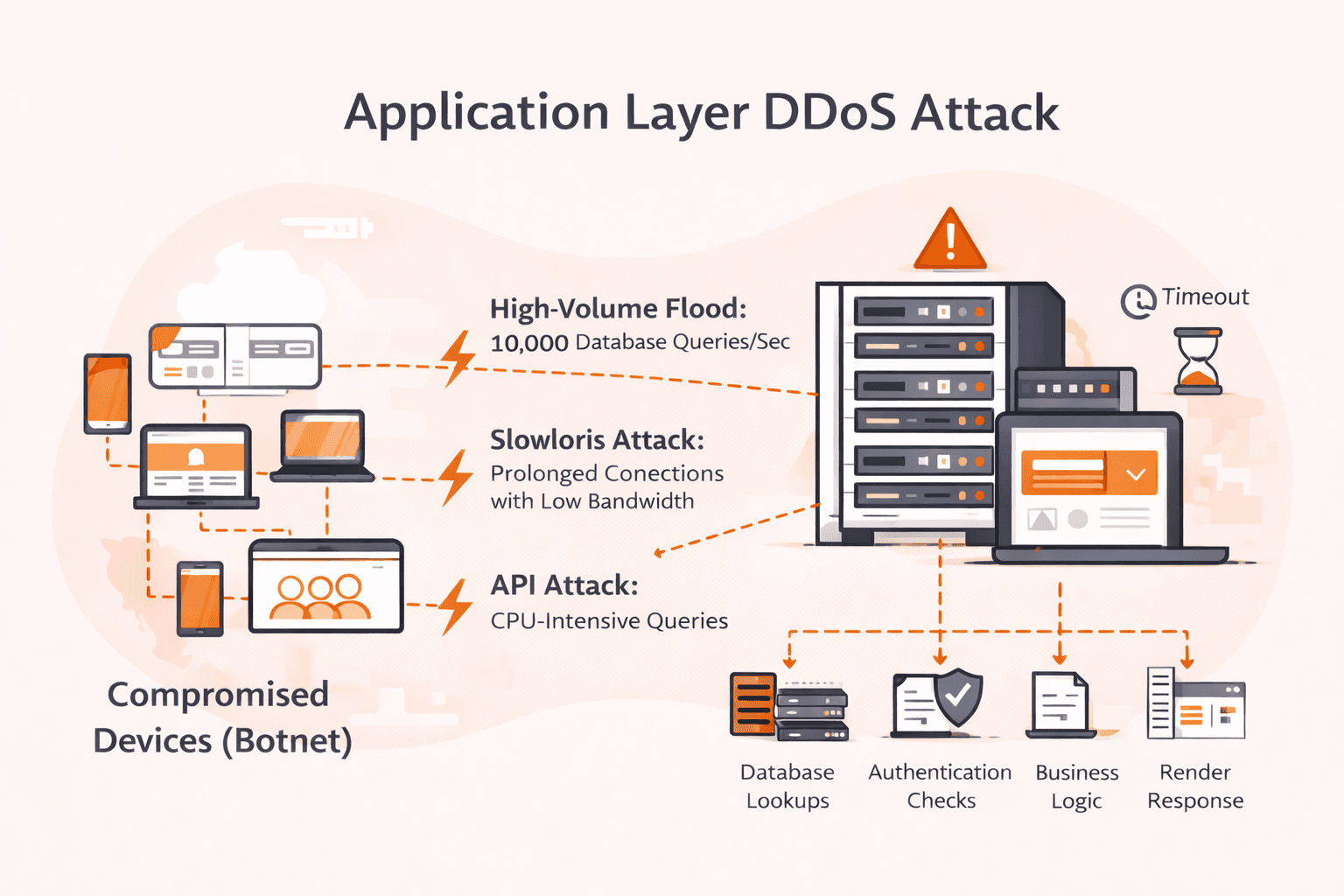
Your network dashboards show green. Bandwidth utilization is at 5%. Yet your application is dying, response times spike to 30 seconds, users get timeout errors, and your on-call engineer can't figure out why. Welcome to application layer DD




Subscribe to our newsletter
Get the latest industry trends, exclusive insights, and Gcore updates delivered straight to your inbox.